Product description
Touch Screen Remote Drone with Payload Release
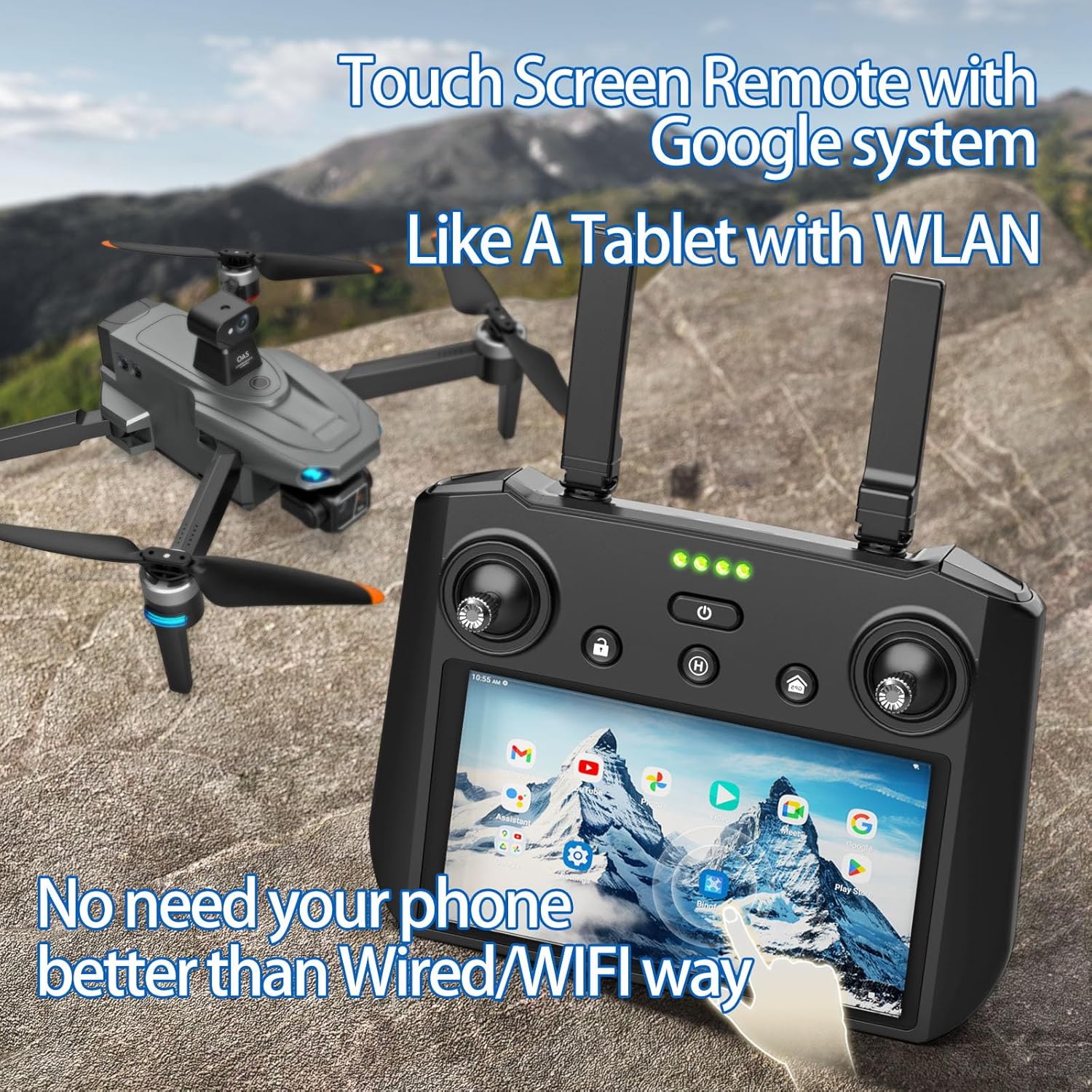
Payload Release Function Drone with Touch Screen Controller can work as a Tablet with WLAN, Download any Apps with Play store in this Playable Tablet.
KEEP AWAW FROM TREES FOR DRONE SAFETY! AVOID CRASHING TREES!!! The OAS is INVALID for Branches!
What must be done before First Flights?(Fly outdoor in an open area. Attention Please!!!)
1. Fly high enough over 200FT first to practice your first flights at open areas OUTDOOR (The higher the safer for this drone).
2. Must Watch our guided video carefully before flying.
3. Keep Away from Trees(Most crashed cases happened with trees!!!)
Can't Connect Or APP issue? Or Camera Transmission View Issue? -----Please fully charge the controller and battery
Re-download/Re-Install the same drone App or Restore the System, allow all permissions access when first time opening App for the app to work properly.
The better background GPS signals WITHOUT High Obstacles, the better and longer transmission range
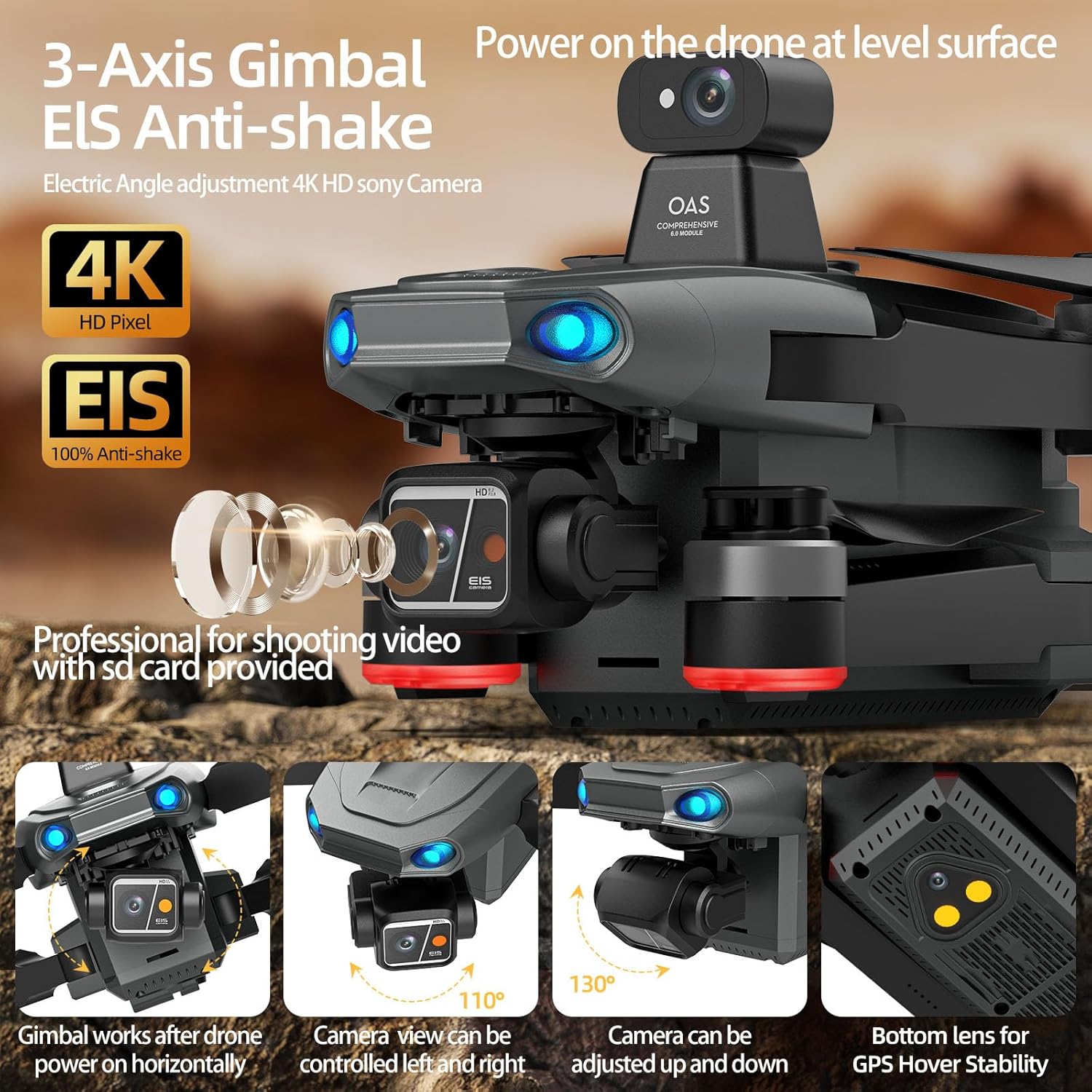
Gimbal camera is loose?( Please re-power on the drone horizontally on a flat ground, gimbal needs to work horizontally)
Place the drone on a level surface to power on, the gimbal is loose before powering on and will auto adjust the camera horizontally after powering on. Wait to search enough satellites, start the drone after connected in GPS Mode(Over 19 satellites)
KEEP AWAY FROM TREES FOR DRONE SAFETY! AVOID CRASHING TREES. No response to the Joysticks?(Low battery Protection Zone)
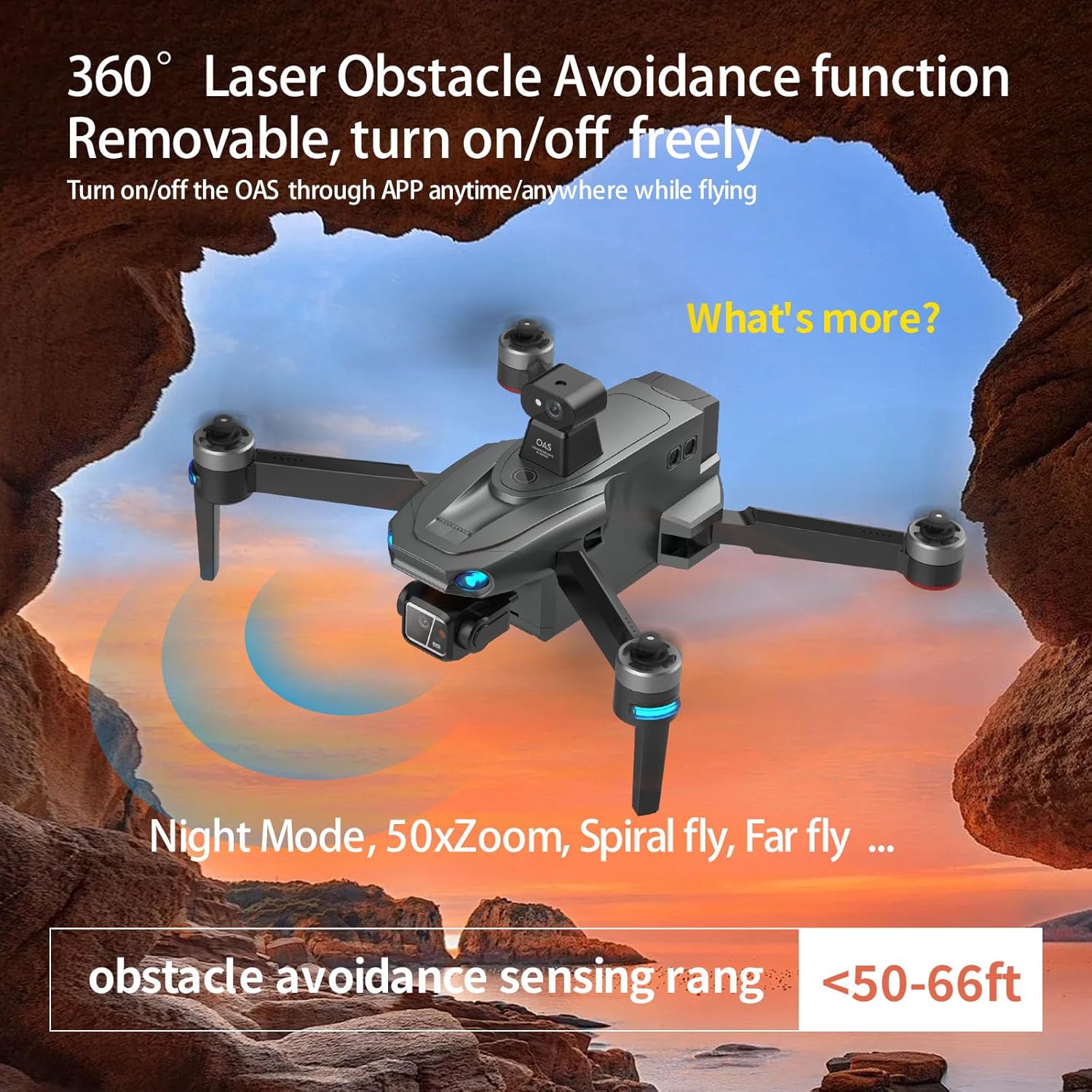
Please check if there any obstacle around(OAS function is working for not near obstacles, Turn off the OAS through app)or if the drone low battery(Low battery Safe Return Protection Zone), the drone can't fly out of the zone by any Joystick Commands
Can't enter in GPS mode? or Can't use gps map location map function?(find the drone location)
Start in more open areas OUTDOOR for drone to search more stable GPS signals faster.
Connect tablet to Wi-Fi and open Google Map APP to upload map data. Tablet controller can only Install/use other Apps after connected controller to a WIFI/hotspot.
Three main encountered issues from our customers at their first several flights:
1. Crashed into Tree.(Please keep away from trees)
2. Improper operations.(Please carefully checkout our detailed guided video before first flights)
3. Accessory damaged.(Fly high enough to avoid hitting or crashing)
Check out this video access to save your big loss if any issues happen with your drone. This is our trusted long-items support for all our customers, so no worry about the future service for your drone.
Drones for adults with camera 4k
Tablet Remote Drones for Adults with 3 Aixs Gimbal

Professional Shooting Camera for Videos 4K HD

Tech Payload Release and 360 Obstacle Avoidance
Tablet Remote Professional Drone with Payload Drop
New Upgraded Professional Carbon Fibre Feature Touch Screen Controller with Android System can work as a Tablet with WLAN, Download any Apps with Play store. For beginner, just fly high and far away from tree for drone safety!
Full Functional with Screen Remote---NO NEED PHONE

Auto rise to a safe height first before returning
Once the drone enters the return function, it will firstly rise to a safe altitude(100 ft) and then start to return, make sure it won't meet trees or buildings during its auto return home.

Safe Long battery life drone with two batteries
Once in low battery, controller will alarm, and drone will auto return back to the Protection Zone, Joysticks will not be able to fly it out of the Low Battery Flight Range Protection Zone, to make sure the drone can auto return back before battery running out.
Gift Selected Tablet Remote Drones with Payload
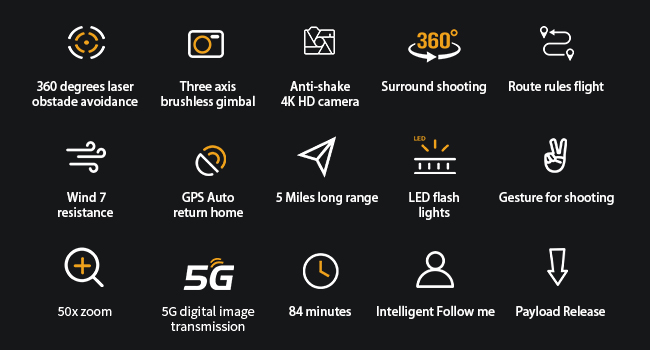
Keep upgrading app for more and better functions
Please Do Follow our detailed guided video to test it at open areas without Obstacles around for better transmission signals.

2026 Gift Package large drone with Playable Tablet
SD Card inserted in the drone body SD card slot already.